

SSD Data Recovery
We professionally recover data from damaged, undetected or inaccessible SSDs. We provide safe and effective data recovery solutions for SSDs that have been deleted, formatted or suddenly stopped working.
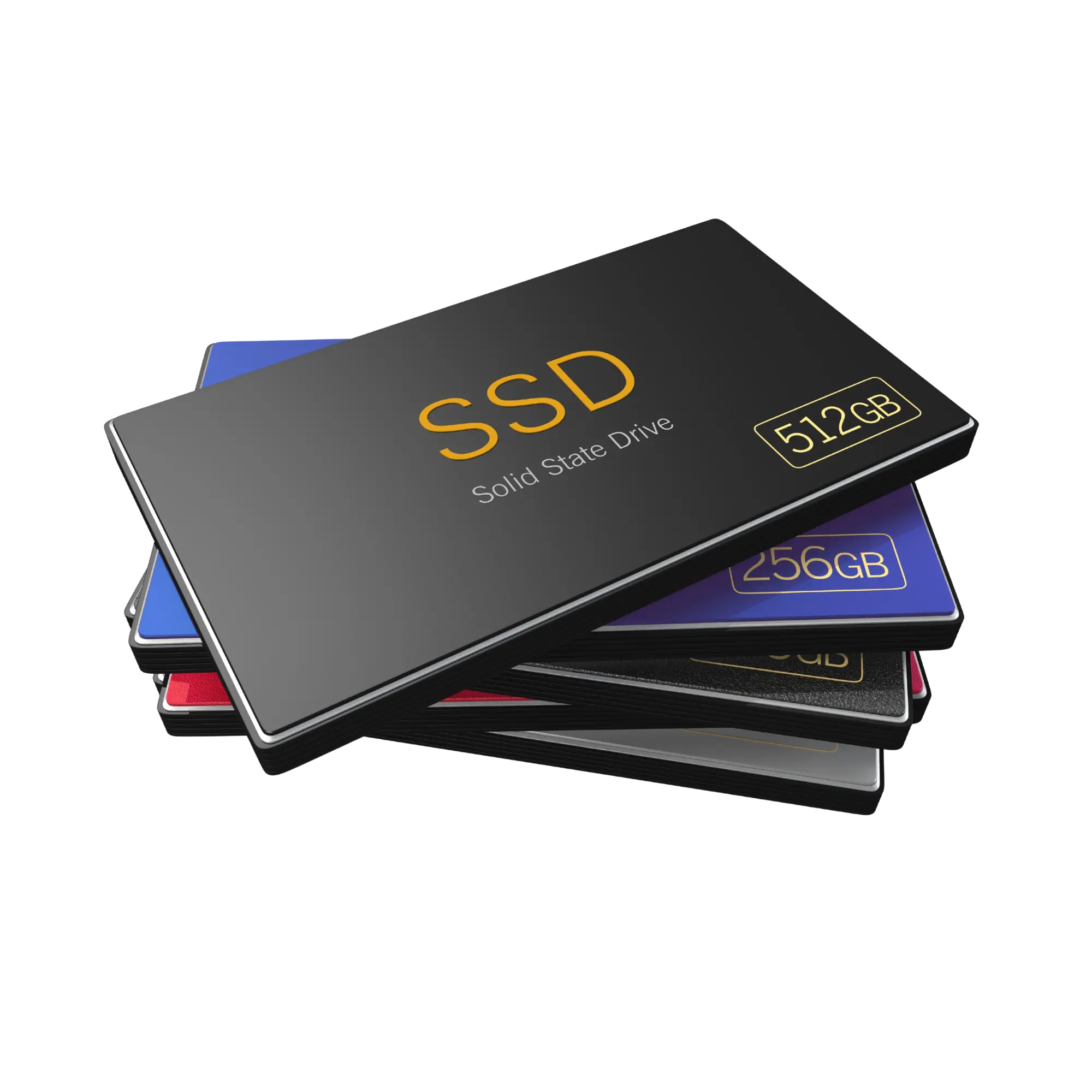
Proper assessment is critical to successful SSD data recovery.
SSD data recovery is the professional process used to examine data loss affecting SATA SSDs, NVMe SSDs, M.2 SSDs and external SSDs due to inaccessible data, deletion, formatting, electronic failure, controller faults, firmware problems or NAND-related issues.
Datotex evaluates the technical condition of each SSD before recovery begins. The goal is to preserve the current state of the data and determine the most appropriate recovery method for the specific failure.
SSD failures should not be handled like traditional hard drive failures.
SSDs manage data differently from traditional hard drives. TRIM, wear leveling, controller-level encryption, firmware lockups and NAND architecture mean that standard recovery software is often not sufficient. Incorrect intervention can permanently reduce or eliminate the amount of recoverable data.
When is SSD data recovery required?
Correctly identifying the type of SSD failure is essential. Whether the drive is detected, whether its capacity is reported correctly and whether new data has been written can all affect the recovery process.
SSD is not detected by the computer
If the SSD does not appear in the BIOS, Disk Management or File Explorer, the cause may be an electronic fault, controller failure, firmware issue or NAND-related problem.
NVMe SSD is not detected
M.2 NVMe SSDs can become inaccessible after sudden power loss, controller lockups, firmware corruption or motherboard-related connection problems.
The SSD was formatted
Recoverability after formatting depends on TRIM behavior, the type of format, the file-system structure and whether new data has been written to the SSD afterward.
The SSD appears as RAW
If the file system or partition structure is damaged, an SSD may appear as RAW. It should be analyzed before any formatting is performed.
The SSD is extremely slow
Read instability, bad blocks, NAND wear or controller problems can cause the SSD to become very slow and may interrupt copying or imaging operations.
The SSD reports the wrong capacity
An SSD reporting 0 GB, an incorrect capacity or unexpected identification information can indicate a firmware- or controller-level problem that requires technical assessment.
Files were deleted
Recoverability of deleted files depends heavily on TRIM behavior and whether the SSD continued to be used. The drive should be taken out of use and assessed as soon as possible.
BitLocker / FileVault encryption
On encrypted SSDs, the recovery process depends on whether the password or recovery key is available. Without the required key, data access may be limited or impossible.
Electronic failure
Power surges, short circuits or liquid damage can affect the SSD circuit board and components, which should be technically assessed before further attempts are made.
Key factors that affect SSD data recovery
SSD data recovery is not simply a matter of running file-recovery software. The drive architecture, data-management behavior and failure level must be evaluated correctly.
| Factor | What It Means | Impact on Recovery |
|---|---|---|
| TRIM | The process by which deleted blocks can be marked and cleared by the operating system and SSD. | If TRIM has processed the deleted data, recoverability may be significantly reduced. |
| Controller / Firmware | The controller and firmware layer responsible for managing data inside the SSD. | A controller failure or firmware lockup can cause the SSD to become completely undetectable. |
| NAND Flash Condition | The flash memory chips where the data is physically stored. | NAND degradation can cause read errors and data-integrity problems. |
| Encryption | The SSD may use BitLocker, FileVault or hardware-level encryption. | Without the password or recovery key, data access may be limited or impossible. |
| New Data Written | This can occur after formatting, reinstalling an operating system or copying files to the SSD. | As new data is written, the chance of recovering older files decreases. |
How does SSD data recovery work?
At Datotex, SSD data recovery follows a structured process including initial assessment, technical classification, a controlled recovery plan and verification of the results.
Initial Case Information
We collect the SSD model, capacity, failure symptoms, time of data loss and details of any previous recovery attempts.
Technical Assessment
We check whether the SSD is detected, how it responds to the interface, whether capacity is reported correctly and what level of access is available.
Risk Assessment
TRIM, encryption, controller condition, firmware state, NAND health and the possibility of overwritten data are evaluated.
Recovery Plan
Depending on the condition of the SSD, the plan may involve logical analysis, controlled imaging or more advanced procedures.
Data Analysis
Recoverable files, folder structures, file integrity and usable output are evaluated.
Customer Approval
The recovery result, pricing and delivery method are clearly explained to the customer.
Secure Delivery
After approval, recovered data is transferred to a healthy delivery drive or other suitable storage media.
Technical Summary
Upon request, the recovery result, device condition and technical findings can be provided in a summary report.
How is SSD data recovery pricing determined?
SSD data recovery pricing depends on the drive type, failure level, capacity, controller and firmware condition, NAND damage, encryption status and whether previous recovery attempts have been made.
- SATA SSD or NVMe SSD failure type
- Logical, electronic or controller-related failure
- Recoverability after TRIM activity
- NAND / chip-off işlem ihtimali
- Encryption and recovery-key availability
- Urgent processing or technical reporting requirements
Can data be recovered from every SSD?
No. Because of the way SSDs manage data internally, some types of data loss have limited recovery potential. Recovery chances are lower when TRIM has processed deleted data, encryption keys are unavailable, NAND damage is severe or new data has been written over the original information.
- Chances are generally better if the SSD was not used after deletion.
- Assessment is more favorable if an operating system was not reinstalled after formatting.
- For encrypted SSDs, the password or recovery key is critical.
- With electronic failures, stable access to the device must be established first.
- In NAND-damaged cases, results depend heavily on the SSD architecture.
Related data recovery services
Data loss can present similar symptoms across different storage devices. You can find more detailed information for each device type on the related service pages.
Frequently asked questions about SSD data recovery
Can data be recovered from an SSD that is not detected?
In some cases, yes. The cause of the detection failure is important. Electronic, controller, firmware or NAND-related problems require technical assessment.
Can data be recovered from a formatted SSD?
It depends on whether TRIM has processed the data, whether new data was written after formatting and the condition of the file system. If an SSD has been formatted, stop using it immediately.
Can deleted files be recovered from an SSD?
Recovery of deleted files from an SSD may be limited because of TRIM. The safest approach is to stop using the drive and have it technically assessed.
Is NVMe SSD data recovery different from SATA SSD recovery?
Yes. NVMe SSDs use different interfaces, controller architectures and firmware behavior, so they need to be evaluated separately. The recovery method depends on the failure type.
Can data be recovered from an encrypted SSD?
For SSDs using BitLocker, FileVault or hardware-level encryption, the password or recovery key is critical. Without the key, accessing the data may not be possible.
How long does SSD data recovery take?
The time required depends on drive capacity, failure type, read stability and the recovery method. Logical cases may be faster, while controller, NAND or firmware-related cases can take longer.
If you have lost data from an SSD, stop using the device.
If your SSD is not detected, has been formatted, files were deleted, the drive appears as RAW or an NVMe SSD is inaccessible, contact Datotex to request a free initial assessment.