

SD Card & Memory Card Data Recovery
We professionally recover data from formatted, deleted or undetected memory cards. We provide safe and effective data recovery solutions for data loss from SD cards and microSD cards.
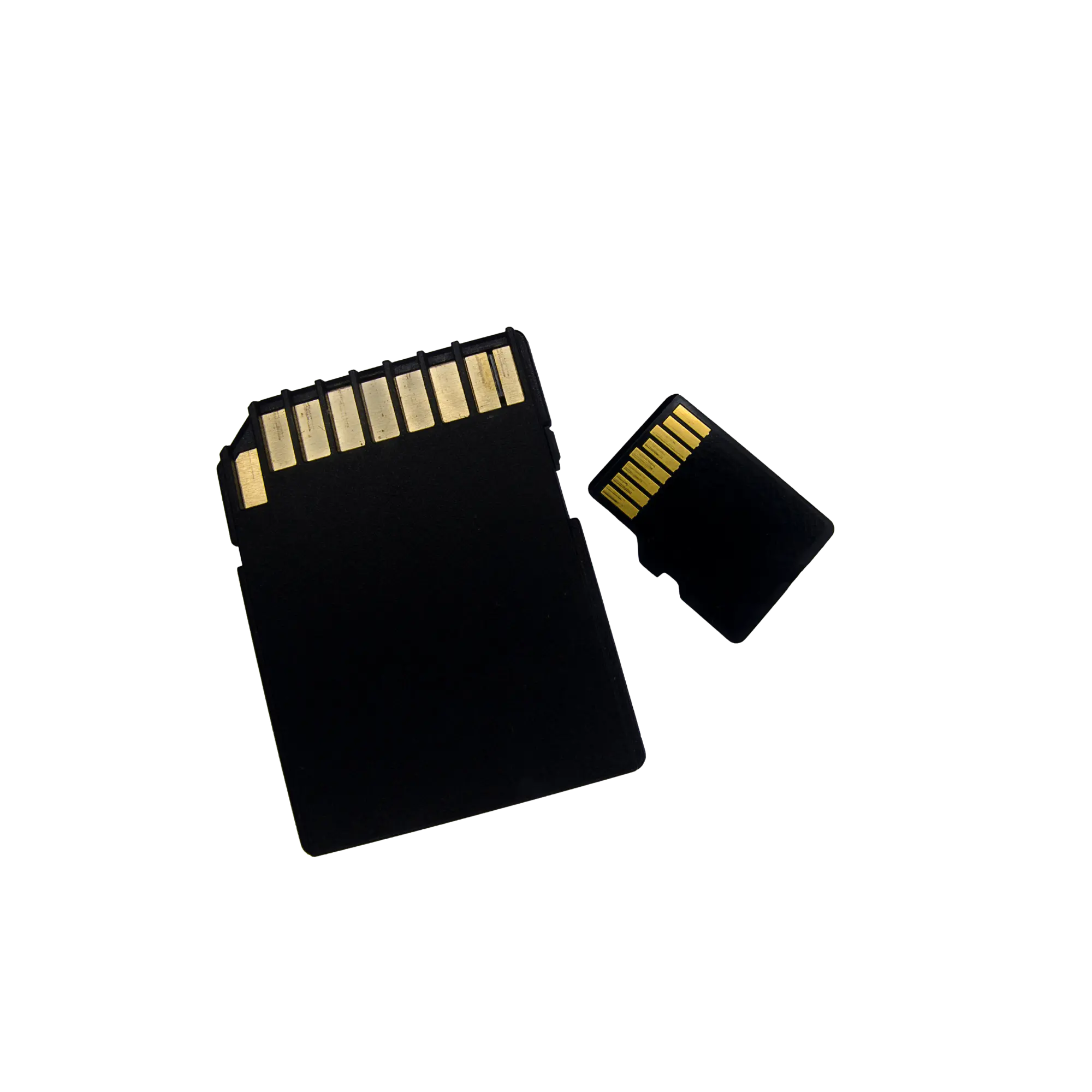
Professional memory card recovery for photos, videos and project files
Memory card data recovery is the professional process used when SD cards, microSD cards, CFexpress, CompactFlash, CFast, XQD and camera cards are affected by deletion, formatting, RAW errors, unreadable media, missing files, corrupted videos or cards that are no longer detected by a computer.
Datotex provides technical assessment, controlled reading and file-integrity analysis for memory-card data loss, especially for photographers, video-production teams, wedding studios, drone operators, action-camera users and business customers.
Do not record new footage, copy files to the card or format it.
The most important step after memory-card data loss is to prevent new data from being written to the card. If a card containing deleted photos, a formatted card or media showing a “card error” is used again, new files may overwrite older photos and videos and significantly reduce the chance of recovery.
When is SD card or memory card data recovery needed?
Memory cards used in cameras, video equipment, drones and mobile devices can suffer data loss because of recording errors, accidental formatting, unsafe removal, file-system corruption or physical damage.
SD card is not detected by the computer
If the card is not detected by a card reader, does not appear in Disk Management or cannot be read by the camera, the cause may be an electronic fault, file-system corruption or a memory-related failure.
SD card asks to be formatted
A “You need to format the disk before you can use it” message is commonly associated with file-system corruption or a RAW volume. The card should be analyzed before formatting.
Photos were deleted or disappeared
Deleted JPG, JPEG, HEIC, TIFF, CR2, CR3, NEF, ARW, RAF, DNG and other RAW photo files may be recoverable if the relevant storage areas have not been overwritten.
Video files are corrupted or unplayable
MOV, MP4, MXF, AVI and similar video files may require repair analysis if recording was interrupted, the camera shut down unexpectedly or the card connection was lost during recording.
The memory card was accidentally formatted
After a quick format in a camera or computer, recoverability depends heavily on whether the card was used again afterward.
The DCIM folder appears empty
If the card still shows used space but the DCIM folder appears empty, there may be a file-system, directory-index or hidden-file issue.
Drone or action-camera memory card is corrupted
Video files from DJI, GoPro, Insta360 and similar devices may become unplayable after interrupted recording, battery failure or a memory-card error.
The memory card is physically damaged
Broken microSD cards, bent SD cards, corrosion, liquid damage or card-reader-related damage should be technically assessed without repeatedly forcing the media to operate.
Photos appear incomplete or corrupted
On partially readable cards, photo and video files may appear incomplete, grey, corrupted or completely unopenable. In such cases, file integrity should be examined separately.
What to do first after losing photos or video footage
For wedding photography, events, commercial shoots, drone footage and professional video projects, every write operation performed on the card can affect the chance of recovery.
| Situation | Avoid | Recommended approach |
|---|---|---|
| Photos were deleted | Taking new photos/videos or copying files to the card | Stop using the card and preserve it in its current state for assessment |
| The card was formatted | Formatting again, reinitializing the card in the camera or continuing to record | Have the card analyzed without writing any new data after the format |
| Video recording was interrupted | Using random converters or repair utilities directly on the original card | Preserve the original card and, if available, provide a healthy sample video from the same camera for repair analysis |
| The camera shows a “card error” | Using the camera's “repair” or “format” option | Have the card-reader response and file-system condition professionally assessed |
| The DCIM folder is empty | Creating new folders on the card or installing recovery software onto it | Create an image of the card and examine the file system and raw data areas |
How does SD card and memory card data recovery work?
At Datotex, the process focuses on preserving the current condition of the card, creating a controlled copy where appropriate, analyzing the file system and checking the integrity of recovered files.
Initial Case Information
We collect the card type, capacity, device model, time of data loss, type of recording and details of any previous recovery attempts.
Physical Assessment
The card is checked for breakage, bending, corrosion, liquid damage and connection-related faults.
Controlled Imaging
Where appropriate, a controlled image is created so analysis can be performed without unnecessary work on the original card.
File System Analysis
FAT32, exFAT, RAW errors, deleted folders, DCIM structures and file indexes are analyzed.
Photo & Video Recovery
JPG, RAW photo files, MOV, MP4, MXF and other media files are examined for recoverability.
File Integrity Check
Recovered photos, damaged video files, missing files and folder structures are checked for accessibility and integrity.
Results & Approval
The recoverable files, recovery result and delivery method are clearly explained to the customer.
Secure Delivery
After approval, recovered data is transferred to a reliable delivery drive or other suitable storage media.
What is checked in recovered photo and video files?
Finding a file is not enough in a professional memory-card recovery case. Especially for commercial photography and video, it is also important to verify that files open correctly, video duration is valid and RAW photo data is intact.
- JPG, JPEG, HEIC, TIFF and DNG photos
- Canon CR2 / CR3, Nikon NEF, Sony ARW and Fujifilm RAF files
- MOV, MP4, MXF, AVI and other camera video files
- DJI, GoPro, Insta360 and action-camera recordings
- Interrupted or unplayable video files
- DCIM, PRIVATE, MISC and camera-specific folder structures
How is SD card and memory card data recovery pricing determined?
Pricing depends on the card type, capacity, failure level, whether files were deleted or the card was formatted, physical damage, video-repair requirements and whether advanced procedures such as chip-off analysis are required.
- SD, microSD, CFexpress, CFast, XQD or CompactFlash card type
- Deleted files, quick format or RAW error condition
- Card readability and bad-block condition
- Need for damaged video-file repair
- Physical breakage, liquid damage or electronic failure
- Urgent project delivery or technical reporting requirements
Related data recovery services
Memory-card cases may also be related to data loss involving phones, CCTV recording devices, USB flash drives, SSDs or hard drives.
Frequently asked questions about SD card and memory card data recovery
Can deleted photos be recovered from a memory card?
In many cases, deleted photos can still be analyzed if the relevant storage areas have not been overwritten. If the card was used after deletion, new photos or videos may have overwritten the older data.
Can data be recovered from a formatted SD card?
Recovery may be possible after a quick format if the card was not used afterward. Continuing to record, copying files or writing any new data to the card reduces the chance of recovery.
My SD card asks to be formatted. What should I do?
Do not format the card. This message is commonly associated with file-system corruption or a RAW volume. The card should be analyzed in its current state.
Can corrupted or unplayable video files be repaired?
In some cases, yes. For MOV/MP4 files damaged by camera shutdown, battery failure or a card error during recording, the original card and, if available, a healthy sample video from the same camera can be important for repair analysis.
Can data be recovered from a physically broken microSD card?
It depends on the extent of the damage. If the problem is limited to an adapter or connection issue, the chances may be better. If the memory die itself is physically damaged, recovery may be limited or impossible.
How long does memory card data recovery take?
The time required depends on card capacity, failure type, read stability, number of files and whether video repair is needed. A more accurate estimate can be provided after the initial assessment.
If you have lost data from a memory card, stop using it.
If your SD card is not detected, photos were deleted, the card was formatted, the camera shows a “card error” or video files will not open, contact Datotex to request a free initial assessment.