

USB Flash Drive Data Recovery
We professionally recover data from USB flash drives that are undetected by the computer, formatted or contain deleted files. We provide safe and effective data recovery solutions for damaged or inaccessible flash drives.
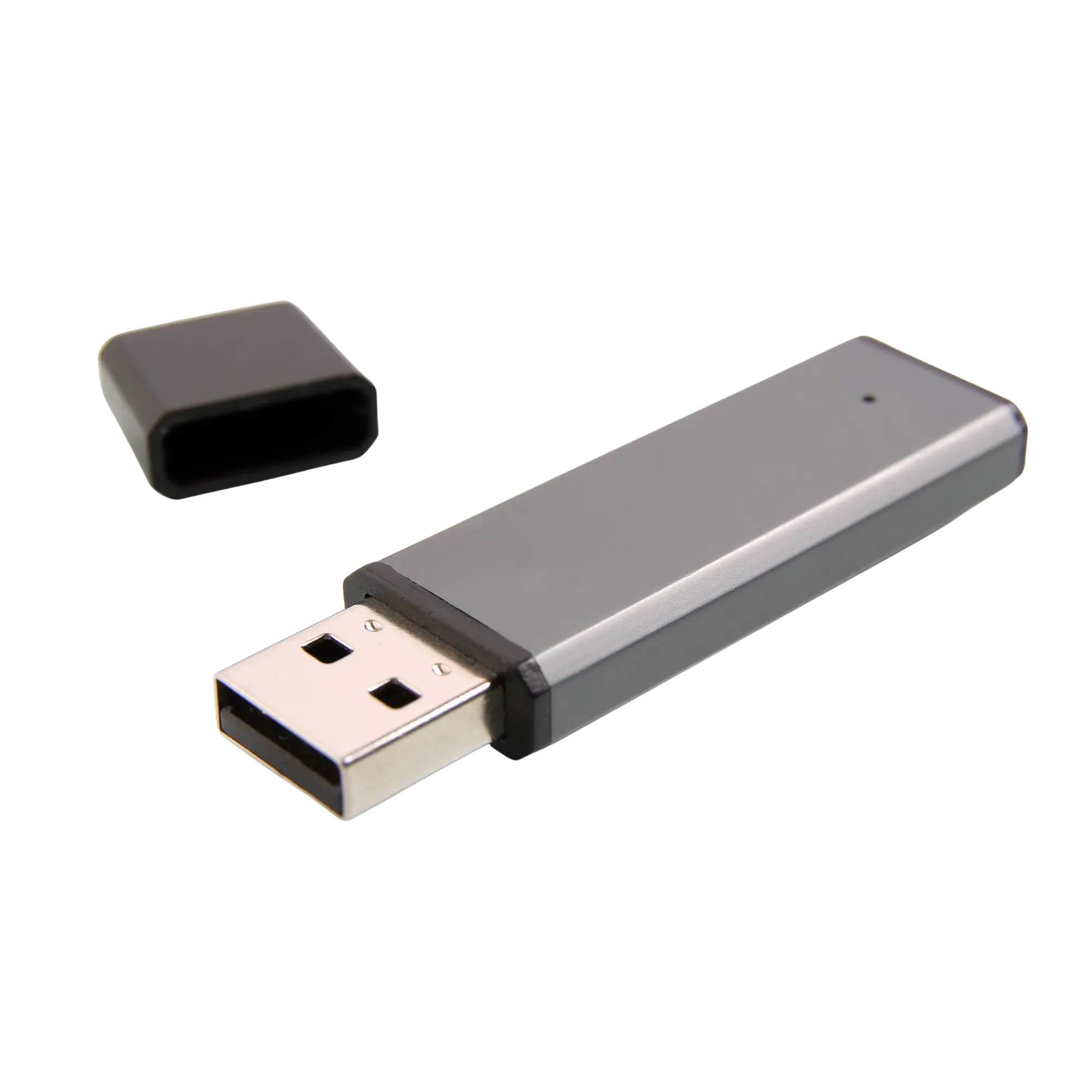
The right response to a USB flash drive failure can directly affect the chance of recovery.
USB flash drive data recovery is the professional process used to recover data from flash drives that are undetected, appear as RAW, have been formatted, contain deleted files, are physically damaged, have suffered liquid exposure or are inaccessible because of electronic failure.
Datotex evaluates the physical and electronic condition of each USB flash drive before recovery begins. Depending on the type of failure, the process may involve logical analysis, controlled reading, circuit-level repair or, when required, chip-level recovery methods.
Repeatedly reconnecting a failing USB drive can increase the risk of further damage.
If a USB flash drive is not detected, asks to be formatted, opens very slowly or disconnects during use, continuing to use it can make the situation worse. Broken connectors, overheating, short circuits and controller failures should be assessed before further recovery attempts are made.
When is USB flash drive data recovery required?
Data loss from a USB flash drive is not limited to deleted files. Physical damage, electronic failure, controller problems, file-system corruption and NAND flash issues can also make the data inaccessible.
The USB flash drive is not detected
If the flash drive is not detected at all, appears incorrectly in Device Manager or produces a connection sound but does not become accessible as a drive, the cause may be electronic or controller-related.
The USB flash drive appears as RAW
When the file system is corrupted, the drive may appear as RAW or Windows may ask you to format it. The device should be analyzed before any formatting is performed.
The USB flash drive was accidentally formatted
After a quick format, recoverability depends largely on whether the flash drive was used again and whether new data was written to it afterward.
Files were deleted or disappeared
If documents, photos, videos or business files were deleted, the drive should be taken out of use. Copying new files to it can overwrite recoverable data.
The USB connector is broken
Forcing a drive with a bent or broken USB connector can damage PCB traces or other components. Physical repair and controlled reading may be required.
The USB flash drive is extremely slow
Read errors, bad blocks, NAND wear or controller problems can cause file-copy operations to slow down or fail before completion.
The flash drive reports the wrong capacity
If the USB flash drive appears as 0 bytes, reports the wrong capacity or is identified incorrectly, the problem may be at the controller or firmware level.
Liquid damage or short circuit
After water exposure, moisture, corrosion or a power surge, reconnecting the drive can increase the risk of a short circuit. An electronic assessment should be performed first.
Controller / NAND failure
Standard recovery software may not be sufficient when the controller or NAND flash is the source of the failure. In appropriate cases, chip-level recovery methods may be considered.
Recovery approaches for USB flash drive failures
The recovery method depends on how the flash drive is detected by the computer, the condition of the file system, the extent of physical damage and whether the flash memory can be read reliably.
| Symptom | Possible Cause | Recommended Approach |
|---|---|---|
| The USB drive asks to be formatted | File-system corruption, lost partition or RAW error | Analyze the file system without formatting and recover from an image where appropriate |
| The USB drive is not detected at all | Electronic failure, controller problem, short circuit or NAND-access issue | Inspect the circuitry and interface response, then proceed according to the failure level |
| The USB connector is broken or bent | Physical connector damage, lifted pads or broken PCB traces | Use a controlled connection and electronic assessment without mechanical force |
| The drive was formatted or files were deleted | User error, quick format or accidental operation | Perform logical recovery analysis before any new data is written |
| The drive shows 0 bytes or the wrong capacity | Controller, firmware or NAND flash issue | Use controller/NAND-level technical assessment rather than standard recovery software |
How does USB flash drive data recovery work?
At Datotex, USB flash drive data recovery is planned around preserving the current state of the device, identifying the correct failure type and safely delivering the recoverable data.
Initial Case Information
We collect the drive capacity, brand, failure symptoms, deletion or format history and details of previous recovery attempts.
Physical Inspection
The USB connector, circuit board, corrosion, broken connections and possible electronic damage are inspected.
Electronic Assessment
Connection response, power behavior, detection status and controller-level symptoms are evaluated.
Controlled Reading
Where appropriate, controlled reading or imaging of the flash drive is performed.
Data Analysis
The file system, folder structure, deleted files and integrity of recoverable data are analyzed.
Chip-off Assessment
When access cannot be established because of controller or circuit failure, the need for direct NAND-level recovery is evaluated.
Results & Approval
Recoverable files, the recovery result and pricing are clearly explained to the customer.
Secure Delivery
After approval, recovered data is transferred to a healthy delivery drive or other suitable storage media.
How is USB flash drive data recovery pricing determined?
USB flash drive data recovery pricing depends on whether the failure is logical or hardware-related, the device capacity, connector or electronic damage, the controller/NAND condition and whether chip-off work is required.
- Deleted files, quick format or RAW file-system error
- Broken or bent USB connector and circuit damage
- Controller failure and device-detection status
- NAND readability and the need for chip-off recovery
- Previous incorrect intervention or software recovery attempts
- Urgent processing or technical reporting requirements
Can data be recovered from every USB flash drive?
No. Recovery potential depends on the physical condition of the drive, NAND readability, controller architecture, whether new data has been written and any previous intervention. Results may be limited when the device is severely burned, physically damaged or affected by NAND failure.
- Recovery chances are generally better if the drive was not used after deletion.
- Assessment is more favorable if no new files were copied after formatting.
- Do not force a drive with a broken connector into a USB port.
- With electronic failures, stable and safe access to the device must be established first.
- In chip-off cases, results depend on the controller and NAND architecture.
Related data recovery services
Data-loss symptoms seen in USB flash drives can also occur in SSDs, memory cards, hard drives and CCTV recording systems in different forms.
Frequently asked questions about USB flash drive data recovery
Can data be recovered from a USB flash drive that is not detected?
In some cases, yes. The cause of the detection failure is important. Broken connectors, electronic faults, controller problems or NAND-related failures require technical assessment.
My USB drive asks to be formatted. What should I do?
Do not format the drive. This warning is commonly associated with file-system corruption or a RAW error. The device should be analyzed in its current state.
Can files be recovered from a formatted USB flash drive?
Recovery may be possible after a quick format if no new data has been written to the drive. Copying files or repeatedly running recovery software afterward can reduce the chance of success.
Can data be recovered from a physically broken USB flash drive?
It depends on the extent of the damage. If only the USB connector is damaged, controlled connection or repair may restore access. If the PCB, controller or NAND chip is damaged, more advanced recovery procedures may be required.
What is chip-off data recovery?
Chip-off is a recovery method used in some failed USB flash drives where the NAND memory chip is removed and read using specialized equipment. It is not suitable for every device; the controller architecture and NAND condition determine feasibility.
How long does USB flash drive data recovery take?
The time required depends on the type of failure. Logical cases may be faster, while broken connectors, electronic faults, controller failures or chip-off cases can take longer.
If your USB flash drive has failed, stop using the device.
If your USB flash drive is not detected, asks to be formatted, appears as RAW, is physically damaged, has been formatted or contains deleted files, contact Datotex to request a free initial assessment.